

Tasks let you send forms to your roster and collect structured responses — feedback, availability, photo uploads, and more. Each task is linked to a published form and has a deadline for submissions.

Prerequisites

  • An active agency account with admin access
  • At least one published form in your account

Viewing your tasks

1

Navigate to the Tasks page

Click Tasks in the sidebar to see all your tasks. Each task shows its name, completion progress, deadline, and current status.
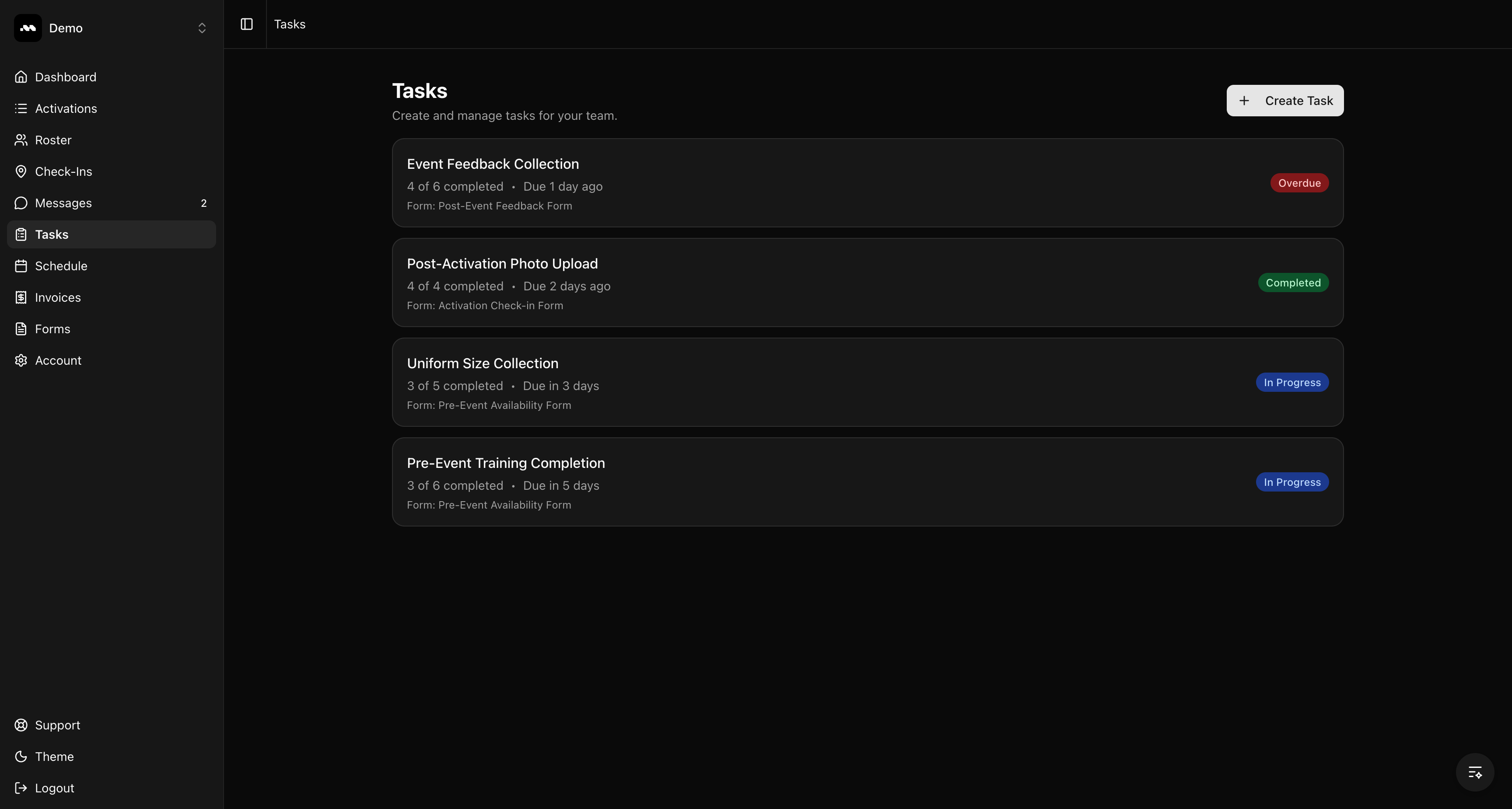
Tasks list showing all tasks with status badges

Understanding task statuses

Each task displays a status badge based on its deadline and completion:
StatusMeaning
In ProgressThe deadline hasn’t passed and responses are still coming in
CompletedAll assigned ambassadors have submitted their responses
OverdueThe deadline has passed and some ambassadors haven’t responded
CancelledThe task was manually cancelled

Tips

Click on any task to view its details, manage assignments, and review responses.
Only team members with admin access can create new tasks. All team members can view task results.